3D Chest
Learning 3D fundamentals through a treasure chest modeling project
Project Overview
This treasure chest was my first major 3D modeling project, created as part of the Blender Academy Course. The project introduced me to fundamental 3D modeling concepts including mesh manipulation, basic modeling techniques, and the Blender interface.
Starting from a simple cube, I learned how to transform basic shapes into a detailed 3D object. The chest project taught me essential skills like extrusion, loop cuts, beveling, and basic geometry management—all foundational techniques for 3D modeling.
Note on rendering: Due to hardware limitations with my laptop, I wasn't able to render high-quality final images with advanced lighting and materials. The rendered frames show the modeling progression but don't include the full texturing and lighting treatment that a more powerful machine would allow.
Learning Process
- 1 Blender Interface & Navigation: Learned basic viewport navigation, selection tools, and the fundamental UI layout. Mastered keyboard shortcuts for efficient workflow.
- 2 Starting from a Cube: Began with Blender's default cube and learned how to manipulate basic primitives. Practiced moving, rotating, and scaling objects in 3D space.
- 3 Edit Mode & Mesh Manipulation: Discovered Edit Mode for vertex, edge, and face manipulation. Learned extrusion, loop cuts, and inset techniques to create the chest's basic shape.
- 4 Modeling Techniques: Applied beveling for rounded edges, learned array and mirror modifiers for symmetrical details, and practiced proper topology for clean geometry.
- 5 Adding Details: Created the chest lid, hinges, lock mechanism, and decorative elements. Practiced duplicating and positioning objects to build complex structures from simple parts.
- 6 Basic Materials & Rendering: Introduced to materials, shading, and basic rendering concepts. Experimented with lighting to showcase the model, though hardware limitations prevented high-quality renders.
Visual Development
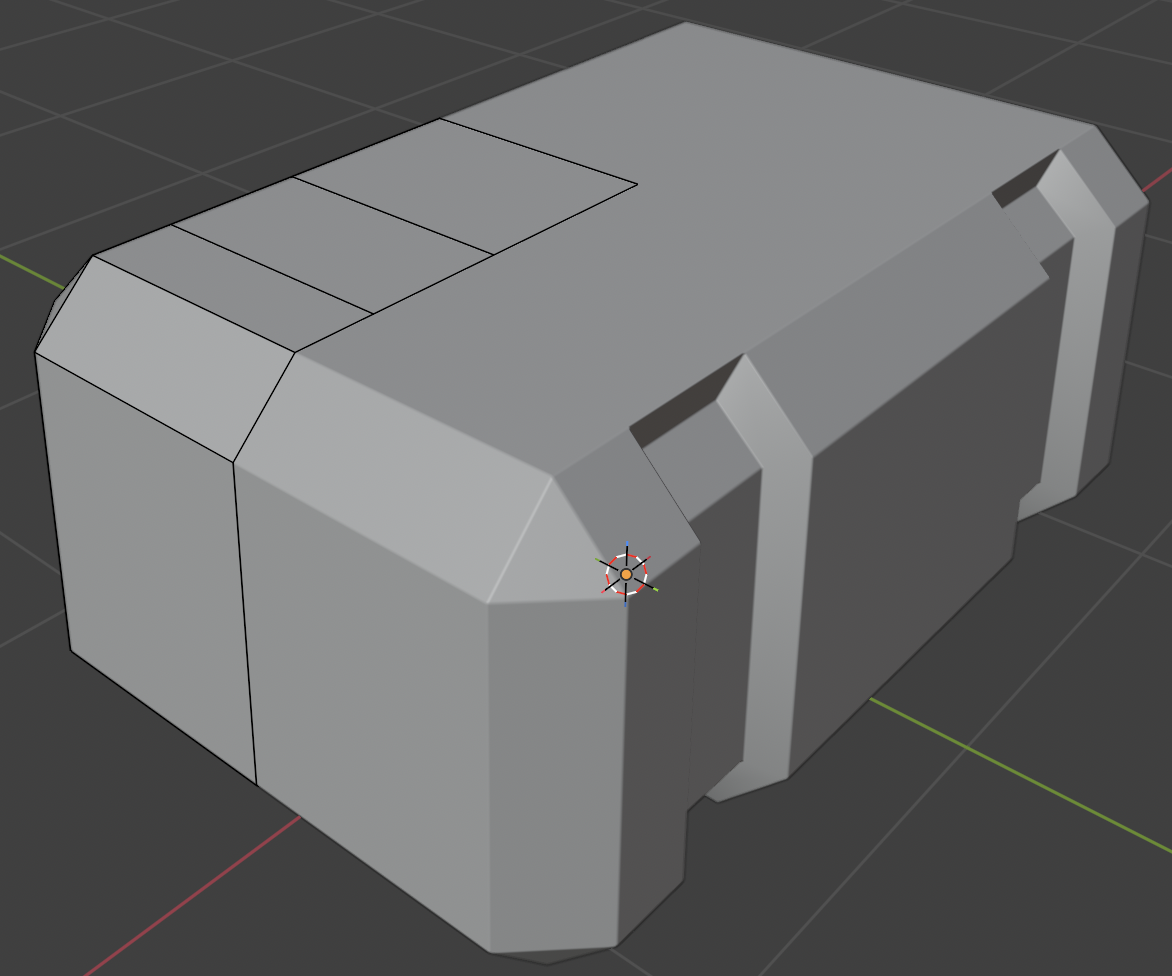
Initial Model
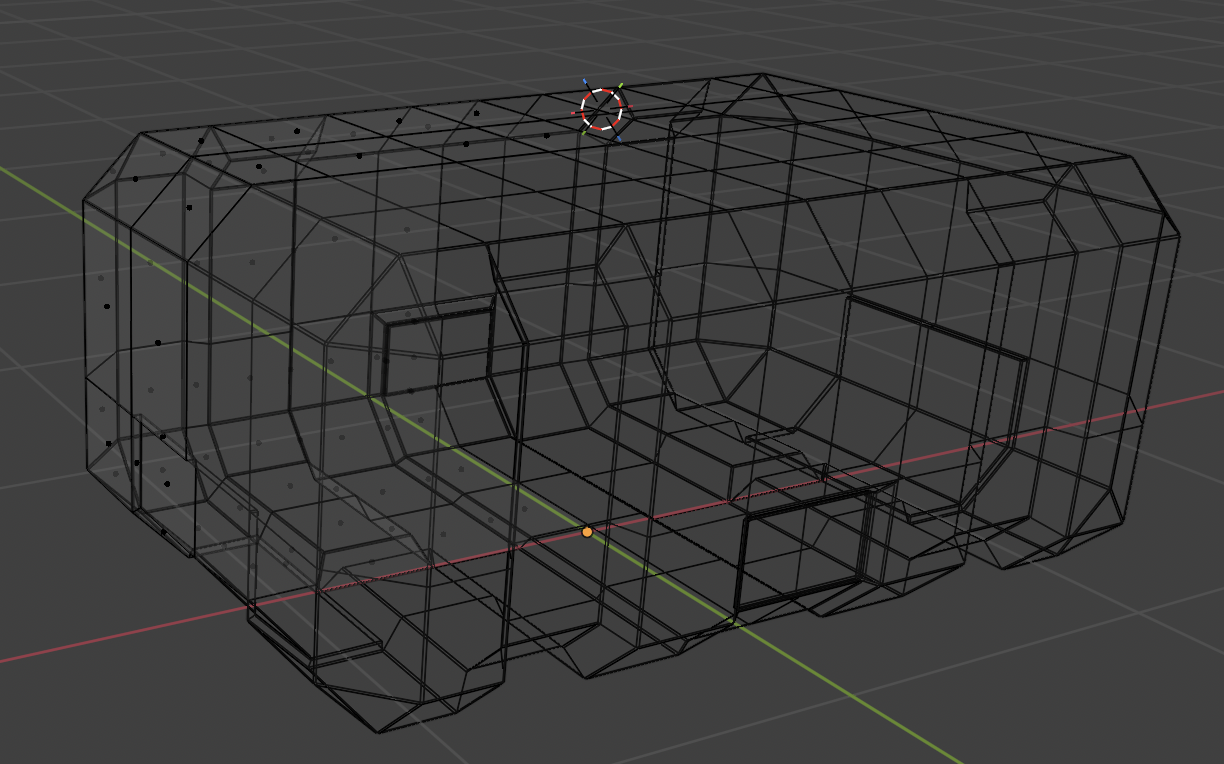
Wireframe Topology
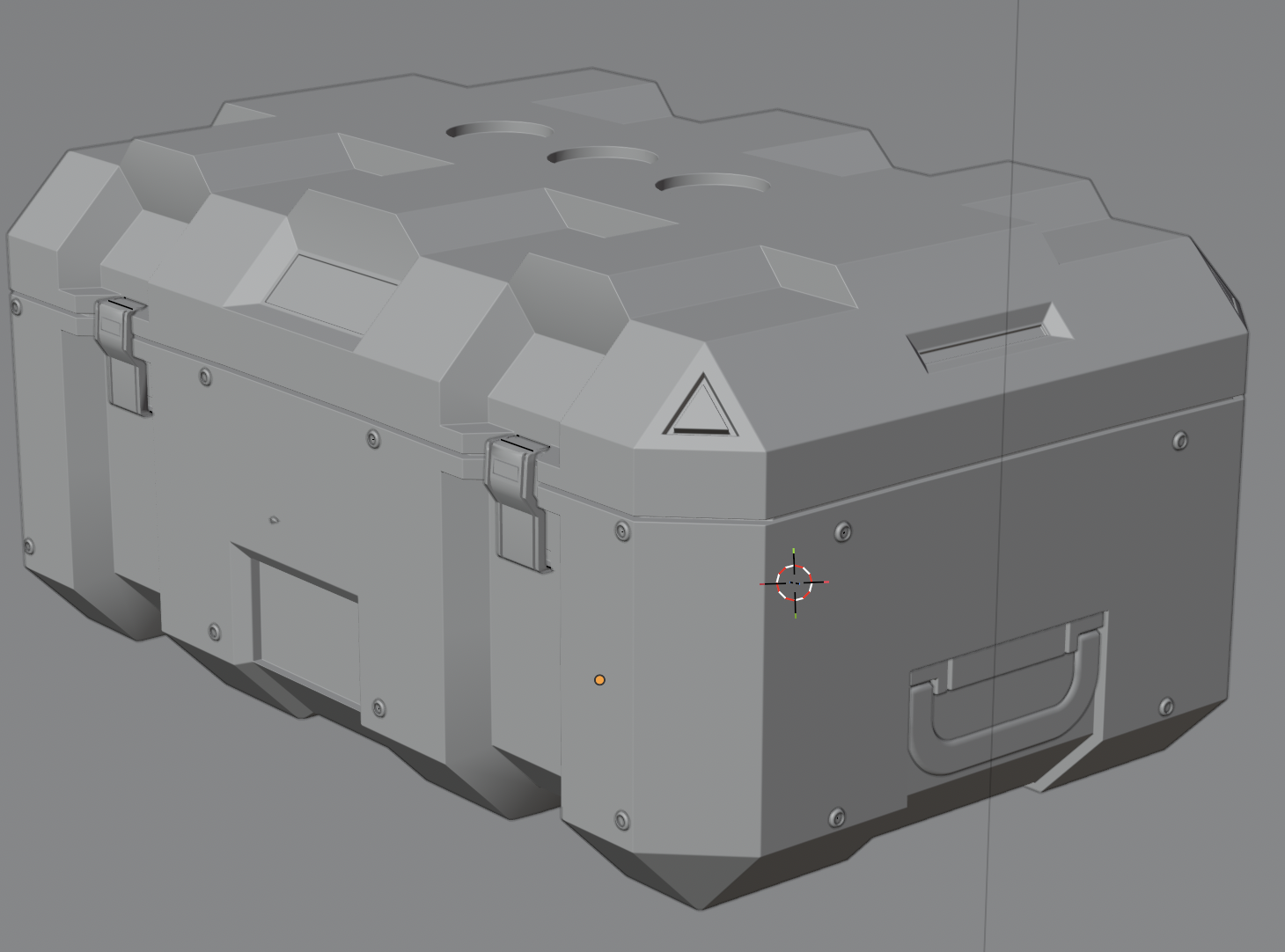
Refined Model
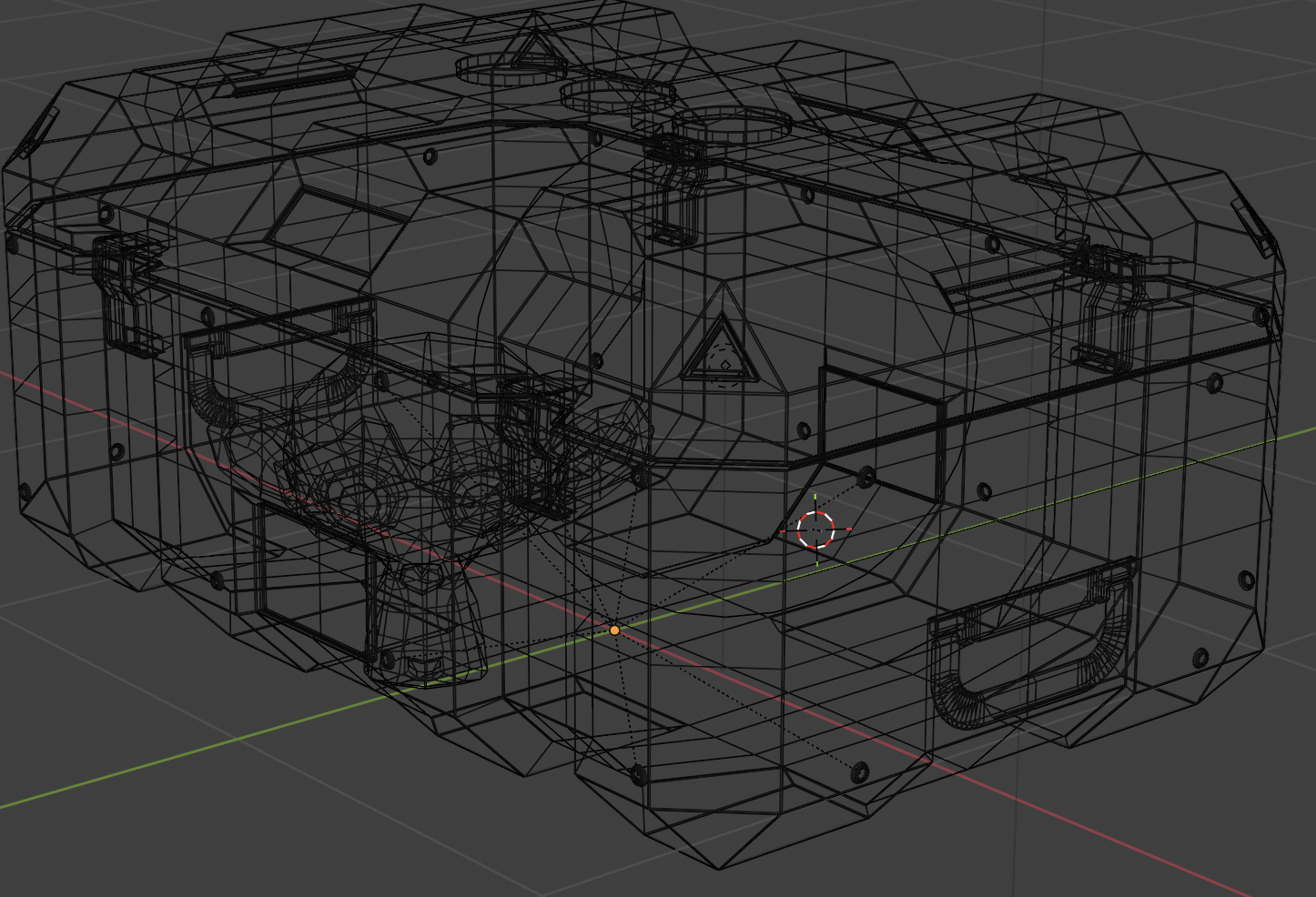
Final Topology
Skills Learned
Core Modeling
- Extrusion & Loop Cuts
- Beveling & Inset Faces
- Vertex/Edge/Face Selection
- Basic Mesh Manipulation
Modifiers
- Mirror Modifier
- Array Modifier
- Bevel Modifier
- Subdivision Surface Basics
Interface & Navigation
- Viewport Navigation
- Object vs Edit Mode
- Keyboard Shortcuts
- Tool Panel Usage
Workflow
- Object Duplication
- Proportional Editing
- Snap & Align Tools
- Basic Scene Setup
Key Learnings & Reflections
This first project in the Blender Academy Course was my introduction to 3D modeling. Starting from a basic cube and transforming it into a recognizable object was both challenging and rewarding. I learned that 3D modeling is about breaking down complex objects into simple shapes and building them up step by step.
The most valuable lessons came from understanding Edit Mode and learning to manipulate vertices, edges, and faces. These fundamental skills form the foundation of all 3D modeling work. I also learned the importance of keyboard shortcuts—they dramatically speed up the workflow once mastered.
Working with limited hardware taught me to be strategic about my modeling approach and render settings. While I couldn't achieve photorealistic renders on my laptop, I learned to focus on clean geometry and efficient modeling techniques. This constraint actually helped me develop better habits—focusing on topology and structure rather than relying on heavy rendering to fix modeling issues.
The chest project showed me how powerful Blender is as a tool and sparked my interest in continuing to learn 3D modeling. It bridges my interest in visual design with technical skills, similar to how I approach UX design and development work.
Project Details
Course
Blender Academy
Project Level
Beginner
Total Frames
192
Main Tool
Blender 4.0+